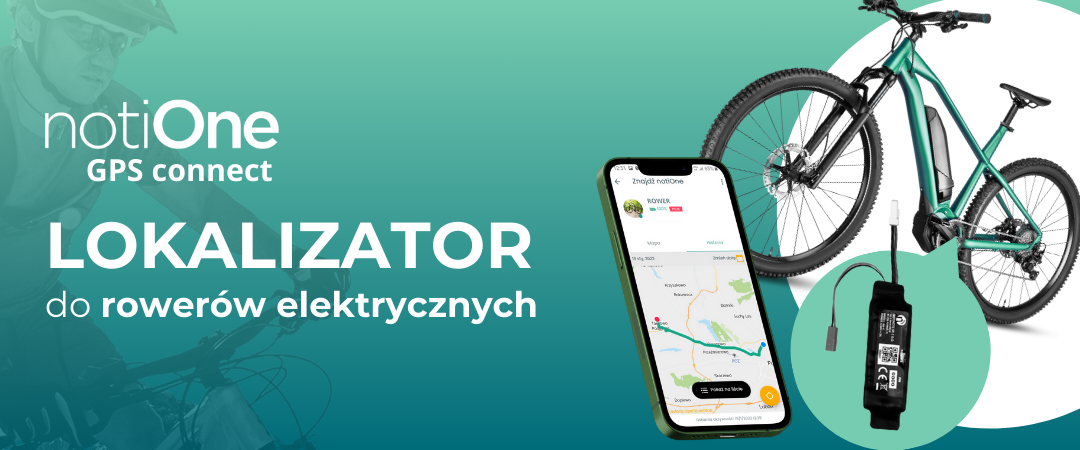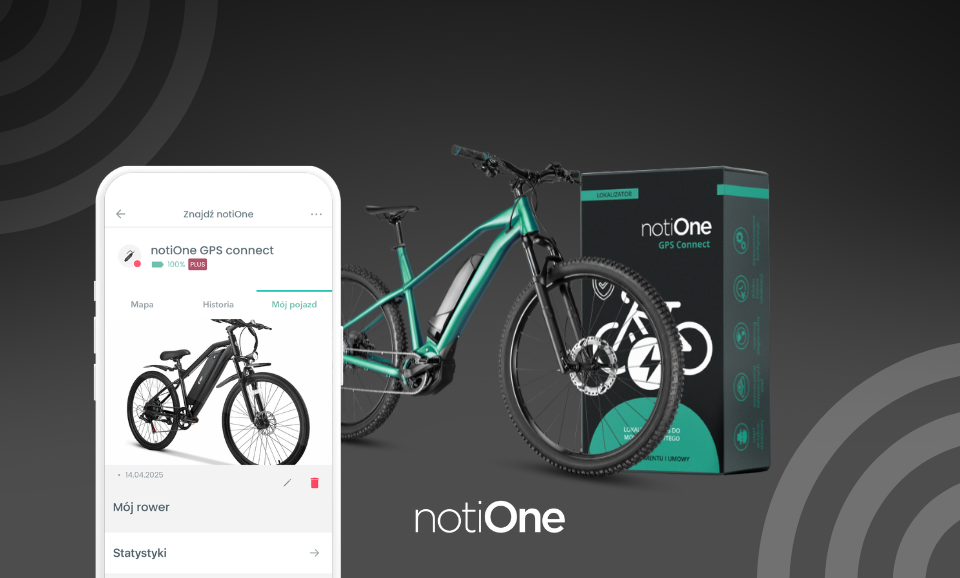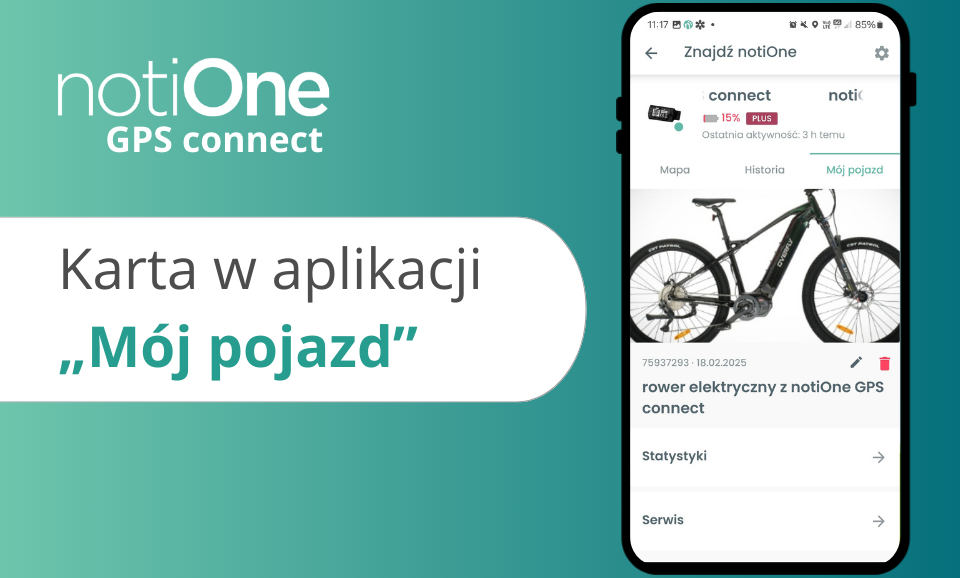
The notiOne GPS Connect app lets you do more than monitor your vehicle’s location – it also makes it easy to manage its details, service history and statistics. If you’re not using these features yet, it’s time to change that! They put all the key information in one place, making it easier to plan expenses and look after your vehicle.
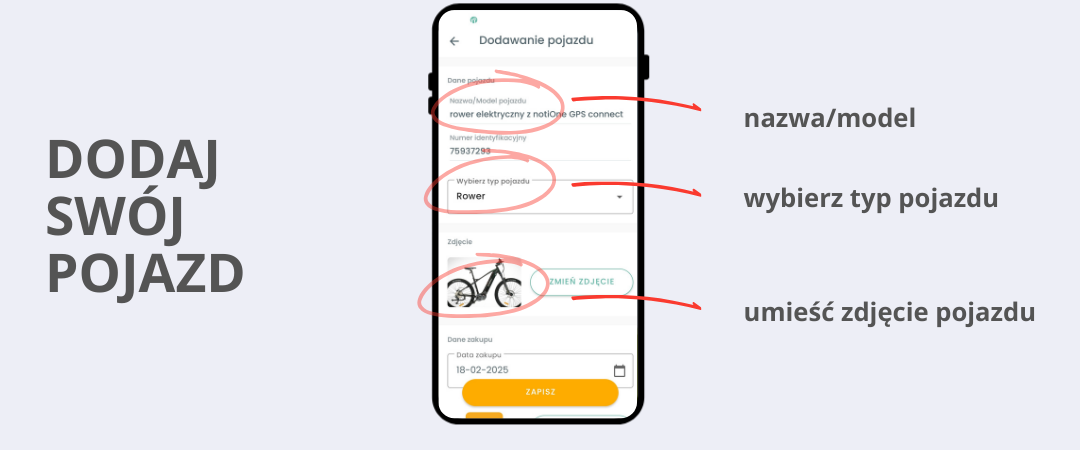
Entering your vehicle’s details
Forget about messy notes and documents scattered all over the place. Now you can gather all the information about your vehicle in one place! In the app you can save:
✔ The vehicle’s name and model
✔ The vehicle type (e.g. e-bike, e-scooter, electric moped)
✔ A photo to help you easily identify the vehicle in the app
This is especially useful if you manage more than one vehicle – you’ll find the details you need without digging through different files or apps.
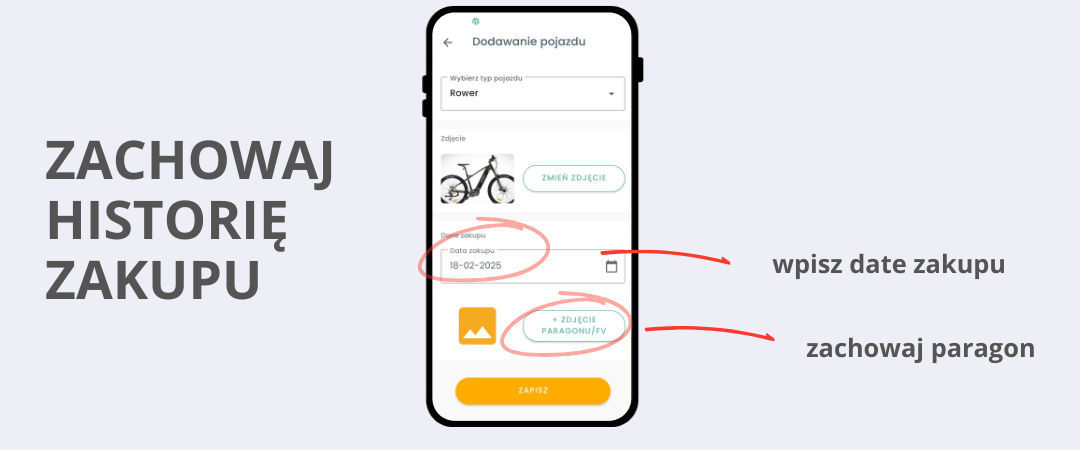
Purchase history – date and receipt always to hand
Bought a new vehicle? You no longer need to keep a paper receipt or hunt for the invoice in your inbox. Simply add the purchase date and a photo of the document to the app. That way, whenever you need this information – for example when selling the vehicle, making a warranty claim or arranging insurance – you’ll find it in seconds.
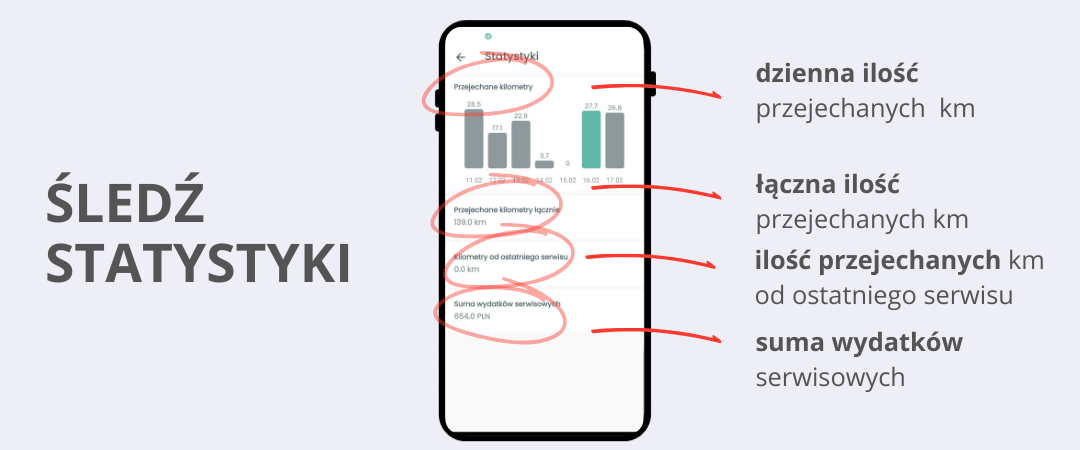
Vehicle statistics – keep track of its use
Want to know how many kilometres you cover each day? Or maybe you’re interested in the vehicle’s total mileage, or the number of kilometres travelled since the last service? In the app you can track this data and have full control over how your vehicle is used.
With the new features you’ll find out:
✔ What distances you cover on a daily basis
✔ Your vehicle’s total mileage
✔ How many kilometres you’ve travelled since the last service
✔ Your total spending on vehicle servicing
It’s a great solution if you want to keep running costs under control and avoid unplanned repairs!
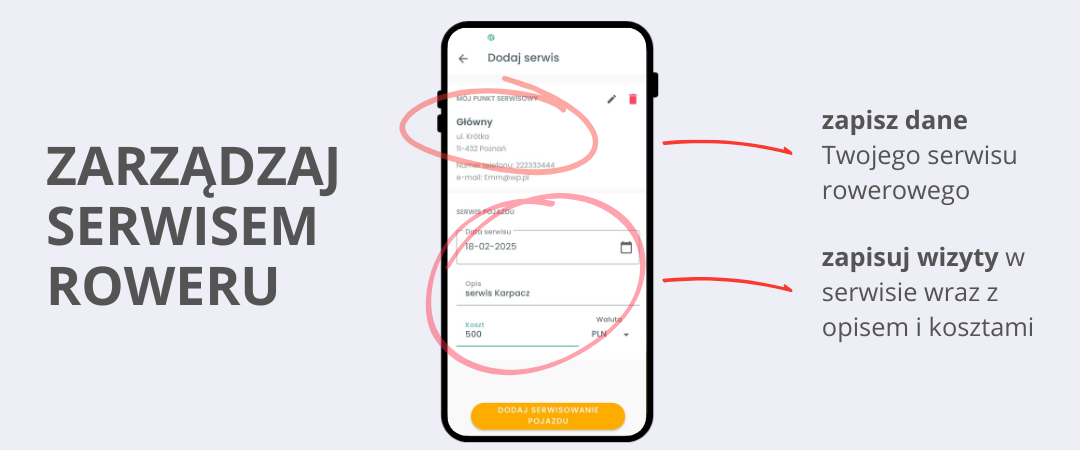
Servicing and repair history – always up to date
Every vehicle needs regular inspections and servicing. Now you can keep your vehicle’s service history without jotting it down on scraps of paper or in various apps. In notiOne GPS Connect you can save:
✔ The name and contact details of your main service centre
✔ The dates and details of repairs or inspections
✔ A description of the parts replaced and the costs incurred
You’ll never again forget when you last replaced the brakes or had a technical inspection. All the information is always at your fingertips!
How to add your vehicle’s details in the notiOne GPS Connect app
1️⃣ Open the notiOne GPS Connect app on your phone.
2️⃣ Select your device or protected vehicle from the list.
3️⃣ Go to the “My Vehicle” tab in the app menu.
4️⃣ Add your vehicle and fill in its details – enter the name, model and type, and add a photo.
5️⃣ Done! You now have full control over your vehicle’s service history, statistics and expenses.
With these features, notiOne GPS Connect is not just a tracker but also a smart tool for managing your vehicle. Now you can be sure that the key information that helps you look after your vehicle and plan its use better is always to hand.
Download the free notiOne app:
Android: from Google Play – Click here
iOS: from the App Store – Click here