Electronic equipment is hugely valuable – and we’re not just talking about the money we pay for it, but also about what we keep on our USB sticks, computers and phones.
How do you effectively protect a laptop, phone or other electronic device before it gets stolen or lost?
Laptop location – how to check it?
There are several ways to check where your laptop is if it gets lost or stolen. Here are a few of them.
The “Find my device” feature
Tech giants such as Apple, Samsung and Microsoft offer an option to locate the equipment you’ve bought from them. You need to set up an account in their own ecosystem, which allows the device’s position to be monitored continuously. When it comes to searching, you’re independent in the sense that you don’t need to ask anyone to trace your laptop or phone – you simply log in to your account from another device and check where it is.
The Find My Device feature in Windows
The Find My Device feature in Windows – this setting works on any device running Windows, and you can switch it on as early as the initial setup. Importantly, you can’t use it on a work or school account. If your device is stolen or lost, all you need to do is log in on the Microsoft website and select the Find My Device option in the relevant tab. Then you choose the device you want to locate, and a map showing its location will be displayed. You can also lock the missing device by choosing the special Lock option.
Find My Mac
Find My Mac – Apple users also have a dedicated device-finding service that lets you locate and secure your computer remotely. To use it, you need to set up the Find My service. If your device is lost or stolen, log in to your iCloud account, select All Devices and then the computer you’re looking for. The device’s location will then be displayed on a map. If the computer is nearby, you can also play a sound on it to make it easier for you or someone else to find it. Apple also lets you lock the computer remotely and even – if you can’t recover it – erase all the data from the device.

Location in Google Search
Location in Google Search – if you use Google Search on your device, you can allow the site access to your location in the site settings. The site will then determine your device’s current location based on several sources.
Dedicated software
Dedicated software – you can install special software on your laptop’s hard drive that will let you find lost or stolen equipment. Then all you need to do is log in to your account in a browser on another device to find out where the missing equipment is.
The notiOne tracker and app
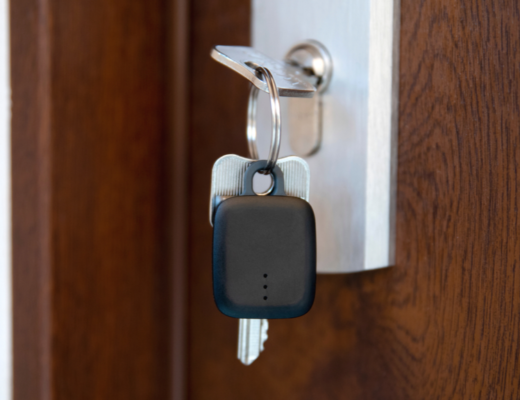
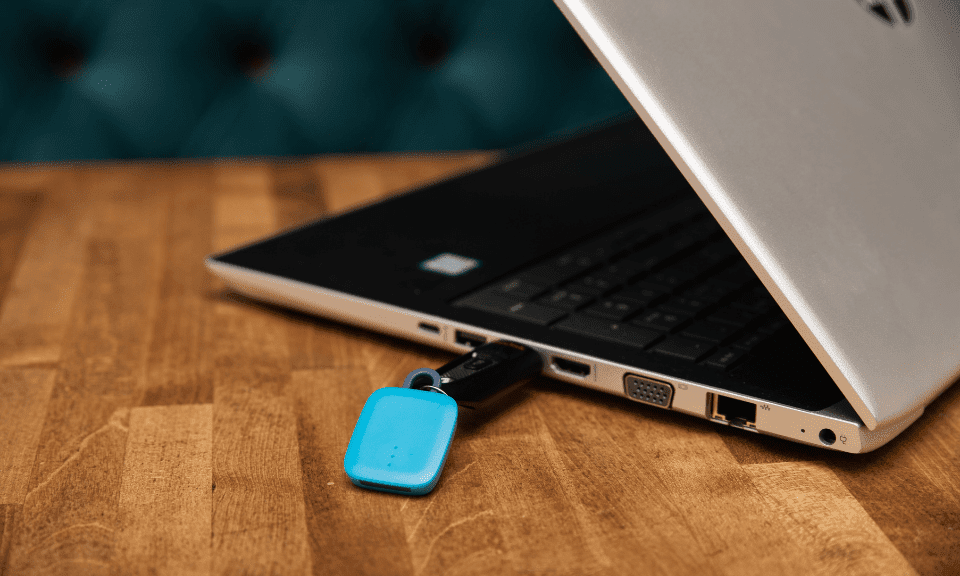
How do you protect not just a laptop but also an e-reader or tablet against theft? Simple: with a notiOne Bluetooth tracker. This small device lets you check where the item you’ve attached it to is, using a free app. You can stick it to the device’s casing, a case or a laptop bag. More inventive users have even put this mini transmitter inside the laptop’s housing, as you can see in the post below.
A phone with a tracker attached might look odd, it’s true. But wait…! The free notiOne app lets you share your smartphone’s location with a trusted person who also has an account in the app. This means that if you lose your phone, you can ask a friend or relative to help you find it.
Insuring your laptop against theft
When buying a new device, you can take out insurance so that the money you’ve spent isn’t wasted if you lose the equipment. You can opt for it right there in the shop or within 7 days of purchase. In that case you can do it, for example, through the free PanParagon app, which not only lets you insure your device but also, among other things, reminds you before the complaint deadline runs out.
Data security on a stolen laptop
Beyond the physical hardware itself, it’s worth looking after the security of your data. On our computers, USB sticks and phones we keep private information: from photos all the way to bank account logins. Protect your laptop not just with a password, but with an anti-theft system too. There are antivirus programs equipped with such a module – in the event of theft, you can remotely block access to the device or wipe the data from the computer completely. It’s also worth backing up your drive regularly so that, in such an unlucky situation, you aren’t left with nothing.
Laptop theft – what can you do?
If your laptop is stolen, the most important thing is to stay calm and take the right steps. First of all, if one of the device-locating options is properly set up on your computer, check where it is. Then notify the police of the theft and give them the device’s location – the officers will take the appropriate action.
If you don’t have a device-locating option set up, go to the police to report the theft. Prepare all the necessary information about your equipment beforehand – photos, a description and the device’s serial number will be especially useful. The police will take down all the details from you and take further action.
If you’re worried about your data falling into the wrong hands, you can lock the computer remotely if you have Windows installed or if you own a Mac.

How to check whether a laptop is stolen?
When buying a computer second-hand, it’s worth making sure it isn’t stolen. To do this, you can ask the seller for proof of purchase.
And if that isn’t possible, you can check what the Kensington Lock slot (K-Slot or Kensington Security Slot) looks like. In shops it’s used as an anti-theft measure for laptops – a cable called the MicroSaver® is attached to it.
If the K-Slot is damaged, it may be a sign that the equipment is stolen.
You may also be interested in: How to find a TV remote